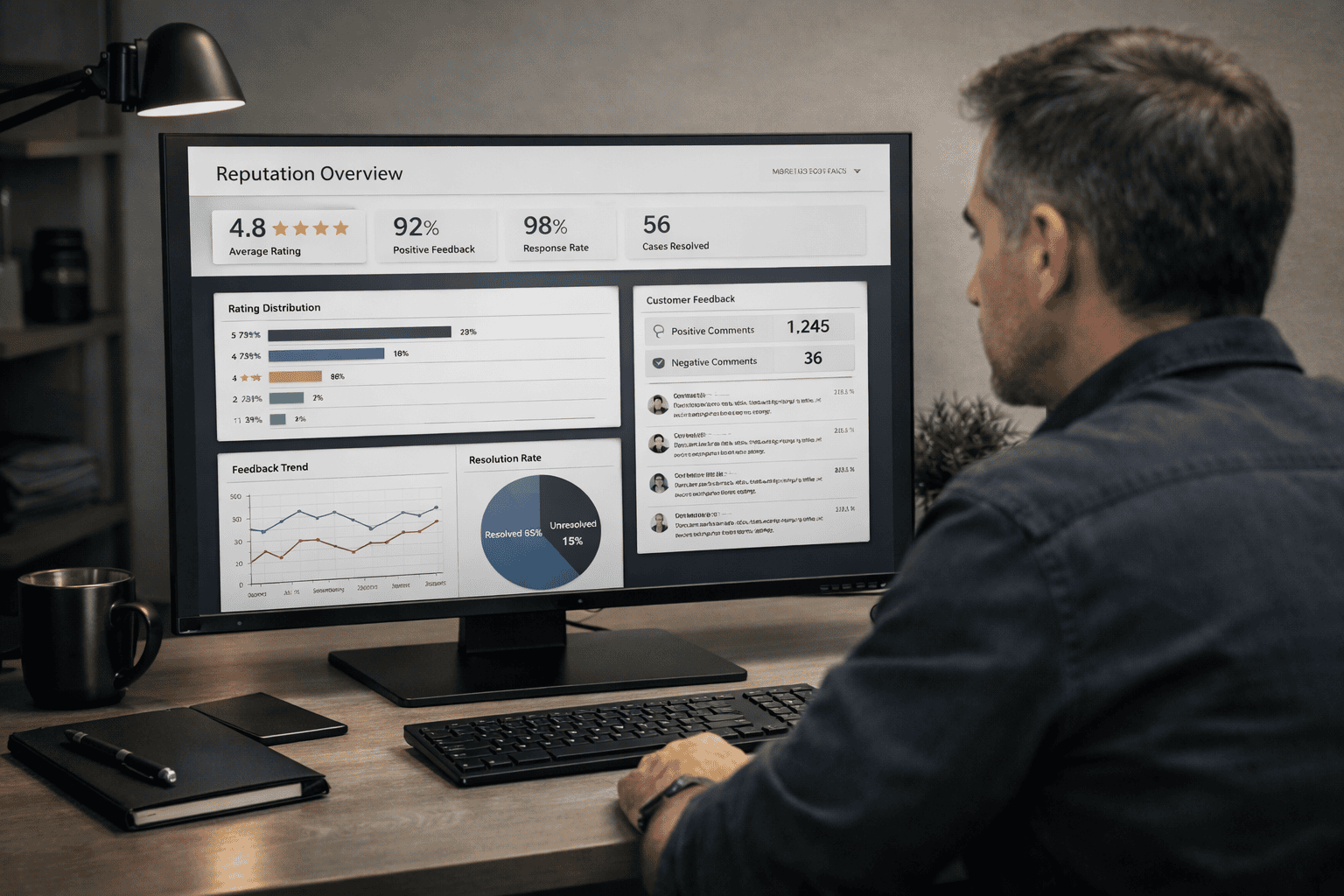
How Professional eBay Sellers Manage and Remove Negative Feedback in 2026
How professional eBay sellers remove negative feedback in 2026, protect conversions, and control reputation at scale using proven, non-obvious strategies.

Updated Feb 13, 2026
|Alon Dostov
How to Remove Negative Feedback on eBay in 2026: A Professional Seller’s Guide
Everyone knows the basics of eBay negative feedback. Contact support. Check for policy violations. Ask for a revision. Respond professionally. Ship on time. Communicate clearly. Refund when needed.
All of that matters, and you should absolutely do everything possible to remove negative feedback when it appears. Especially if you are a newer or lower-volume seller. One negative review, when you only have a small feedback history, can materially reduce future sales, lower buyer trust, and hurt conversion far more than sellers realize.
But once those fundamentals are understood, they are no longer the problem.
For professional sellers, negative feedback is not a customer service issue. It is a business risk management issue. Removal is only one tool. Control, predictability, and revenue protection are the real objectives.
This article is written for sellers who already understand eBay mechanics and want to operate at a higher level in 2026.
If you’re new to eBay or want a step-by-step explanation of the basics, read eBay Negative Review Removal: The Expert Seller’s Guide to Protecting Your Store in 2026.
When Removing Negative Feedback on eBay Is Critical and When It Isn’t
Not all eBay negative feedback deserves the same level of attention. Professional sellers do not treat feedback emotionally or equally. They evaluate impact.
A negative review is most dangerous when it appears early in your recent feedback feed, questions trust or reliability, and affects listings where buyers comparison-shop aggressively. In those cases, removal should be pursued immediately and persistently, because the financial impact is real and measurable.
At the same time, experienced sellers recognize that some negatives, while annoying, do not materially change buyer behavior. Vague complaints, buyer-specific frustrations, or issues that are clearly isolated often do less damage than sellers assume. Chasing every negative wastes time, escalates friction with support, and can even reduce future success rates.
The professional approach is to prioritize removal where it protects revenue, not ego.
Check the Buyer Before You React
Before responding, refunding, or escalating anything, experienced sellers check the buyer’s feedback history.
If a buyer shows a consistent pattern of leaving negative feedback for multiple sellers, you are not dealing with a solvable situation. These buyers are rarely satisfied, regardless of how far you go to accommodate them. This context matters, and it is absolutely appropriate to mention it when speaking with eBay support. You are not attacking the buyer. You are providing behavioral context.
Understanding who you are dealing with prevents wasted effort and helps you frame the situation accurately when requesting removal.
When Removal Is Slow, Control Visibility Instead
If negative feedback cannot be removed immediately, professional sellers shift focus from arguing to dilution.
Buyers do not analyze your lifetime feedback score. They scan your recent activity. A single negative surrounded by fresh positives loses influence quickly, while a negative sitting alone at the top does disproportionate damage.
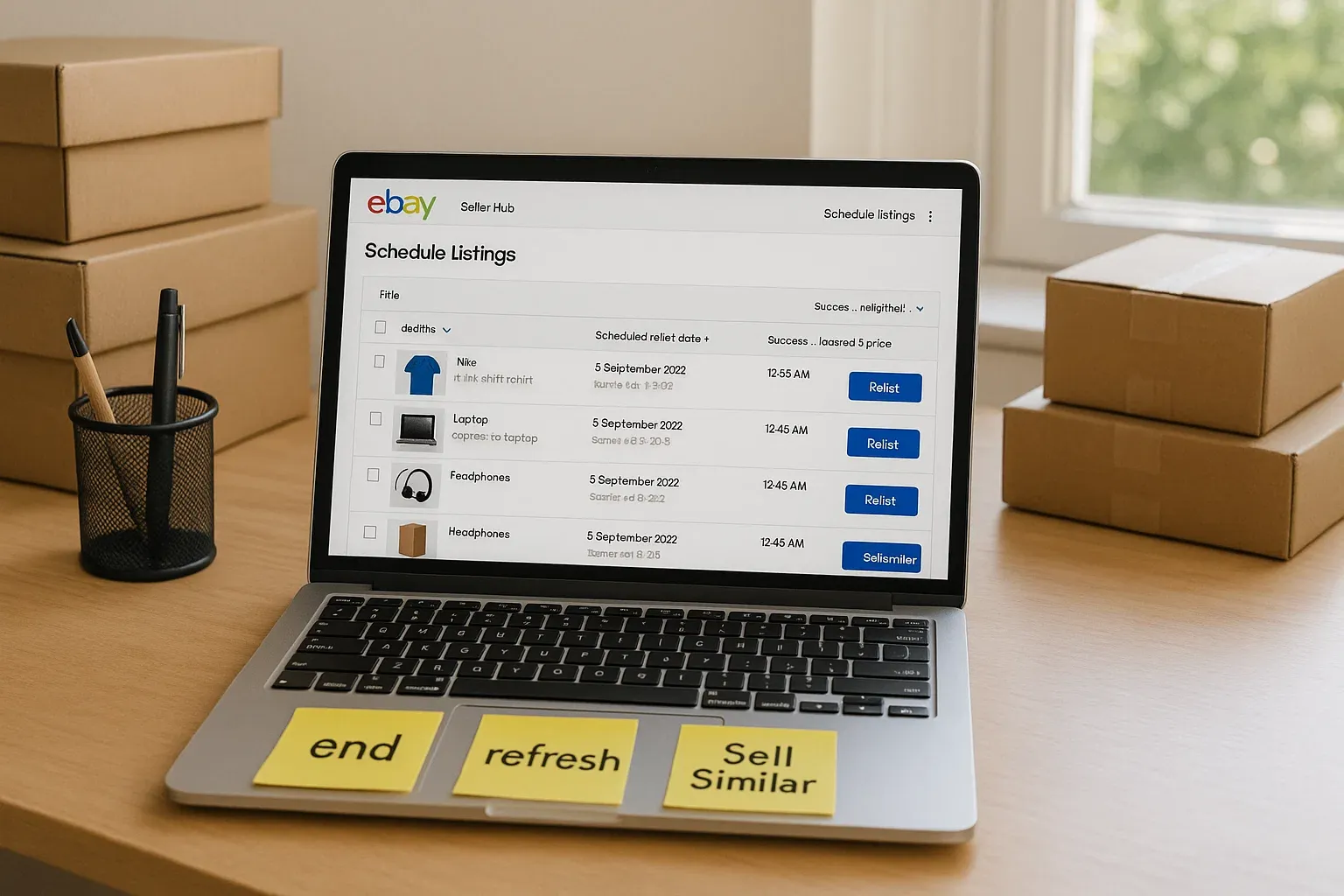
This is where sales strategy becomes reputation management. Experienced sellers will temporarily increase listing activity, run aggressive promotions, and push high-conversion items to generate fast, successful transactions. The goal is not margin in that moment. The goal is to push the negative down the feed as quickly as possible.
In some cases, sellers will intentionally sell low-risk items at cost or even at a small loss. This is not panic. It is calculated damage control. Losing a few dollars today is often cheaper than losing future buyers tomorrow. Reputation on eBay is a multiplier. When trust drops, every listing performs worse.
For a deeper look at how automation increases activity and buyer confidence, read How to Use eBay Automation to Refresh Old Listings and Increase Sales.
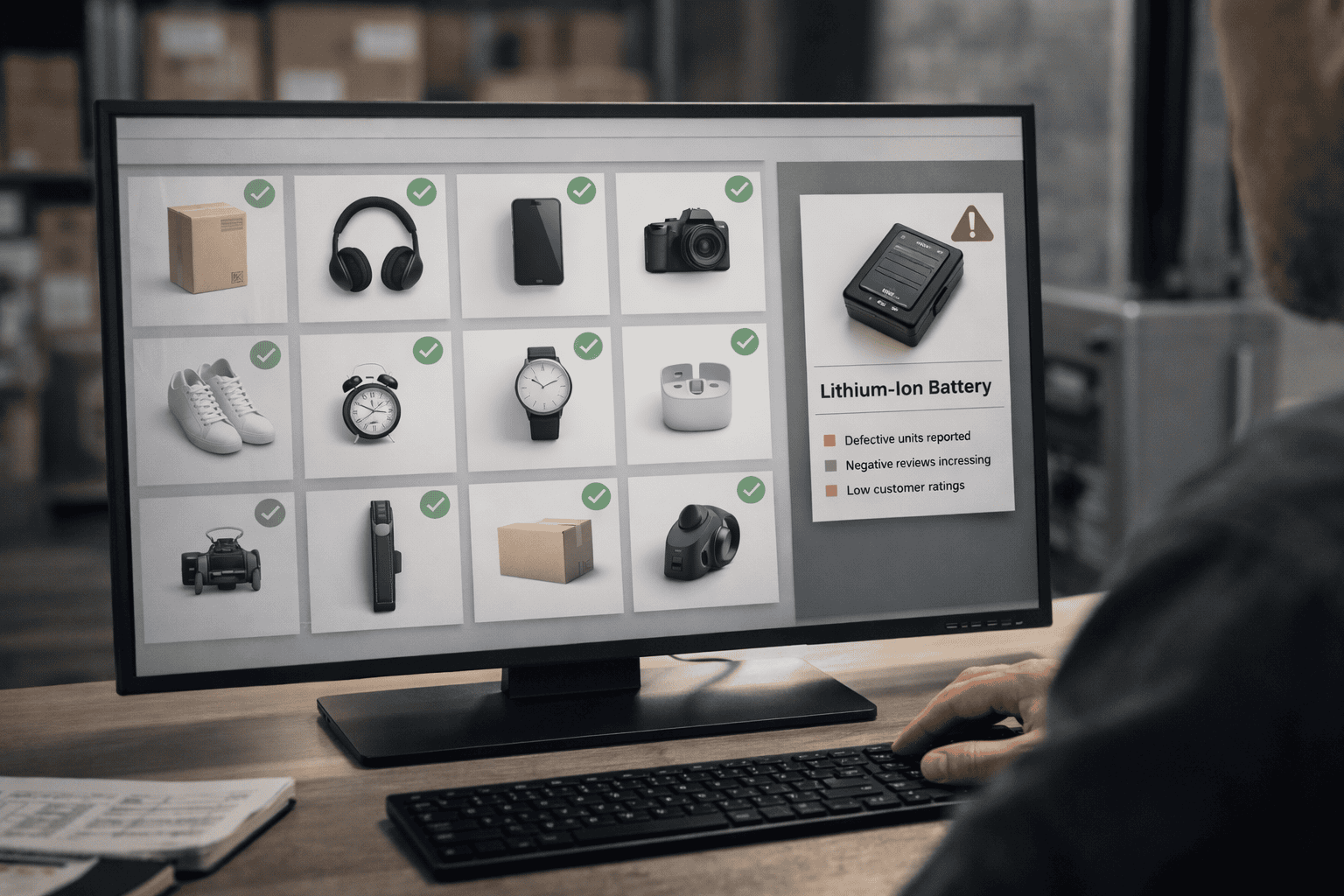
Stop Fixing Problem SKUs. Remove Them.
One of the most common professional mistakes is trying to endlessly “fix” listings that attract complaints.
If the same SKU, product type, or category repeatedly generates negative feedback, the issue is not the description. It is the buyer profile that the product attracts. Some items disproportionately attract unrealistic expectations, emotional buyers, or misuse.
Professional sellers quarantine these SKUs. They end them, replace them, or stop selling them altogether. They do not let a single problematic product tarnish the reputation of an entire store.
Scaling requires cutting losses, not perfecting every listing.
How to Frame Feedback Removal Requests So They Work
Professional sellers never quote eBay policy word-for-word. That triggers resistance. Instead, they describe outcomes in policy-aligned language and allow the support agent to reach their own conclusion.
For example, rather than accusing a buyer of abuse, they explain that the issue was fully resolved and the feedback still reflects an unresolved problem. Rather than arguing about carrier delays, they state that the item shipped on time and tracking shows delays outside the seller's control. Rather than claiming extortion, they explain that the feedback was tied to demands unrelated to the original transaction.
For example:
Instead of: “This violates eBay’s feedback abuse policy.”
Say: “The buyer received a full refund and the issue was resolved, yet the feedback still reflects an unresolved problem.”
This approach respects the agent’s role and dramatically improves success rates.
Public Feedback Responses Are Not Apologies
Public responses are not written for the buyer who left the feedback. They are written for future buyers evaluating risk.
Effective responses are calm, factual, and written in the past tense. They show that issues are handled systematically rather than emotionally. They establish boundaries without sounding defensive. They reassure serious buyers and quietly discourage unreasonable ones.
A professional response is a trust signal, not a rebuttal.
Use Communication to Prevent Feedback Before It Exists
Most negative feedback begins with silence or uncertainty. Professional sellers over-communicate before frustration has a chance to form.
Clear order updates, processing notifications, shipping confirmations, and delivery check-ins reduce anxiety and give buyers confidence that their order is being handled properly. Consistency matters more than tone.
Automation makes this scalable. Systems like MyListerHub allow sellers to send structured, timely updates without manual effort, ensuring communication never drops when volume increases.
To learn how structured buyer communication reduces complaints at scale, check out Improve Customer Communication on eBay and Increase Your Sales with MyListerHub.
Confirm What Buyers Commonly Miss
Even well-written listings are often skimmed. Buyers miss details. When that happens, frustration follows.
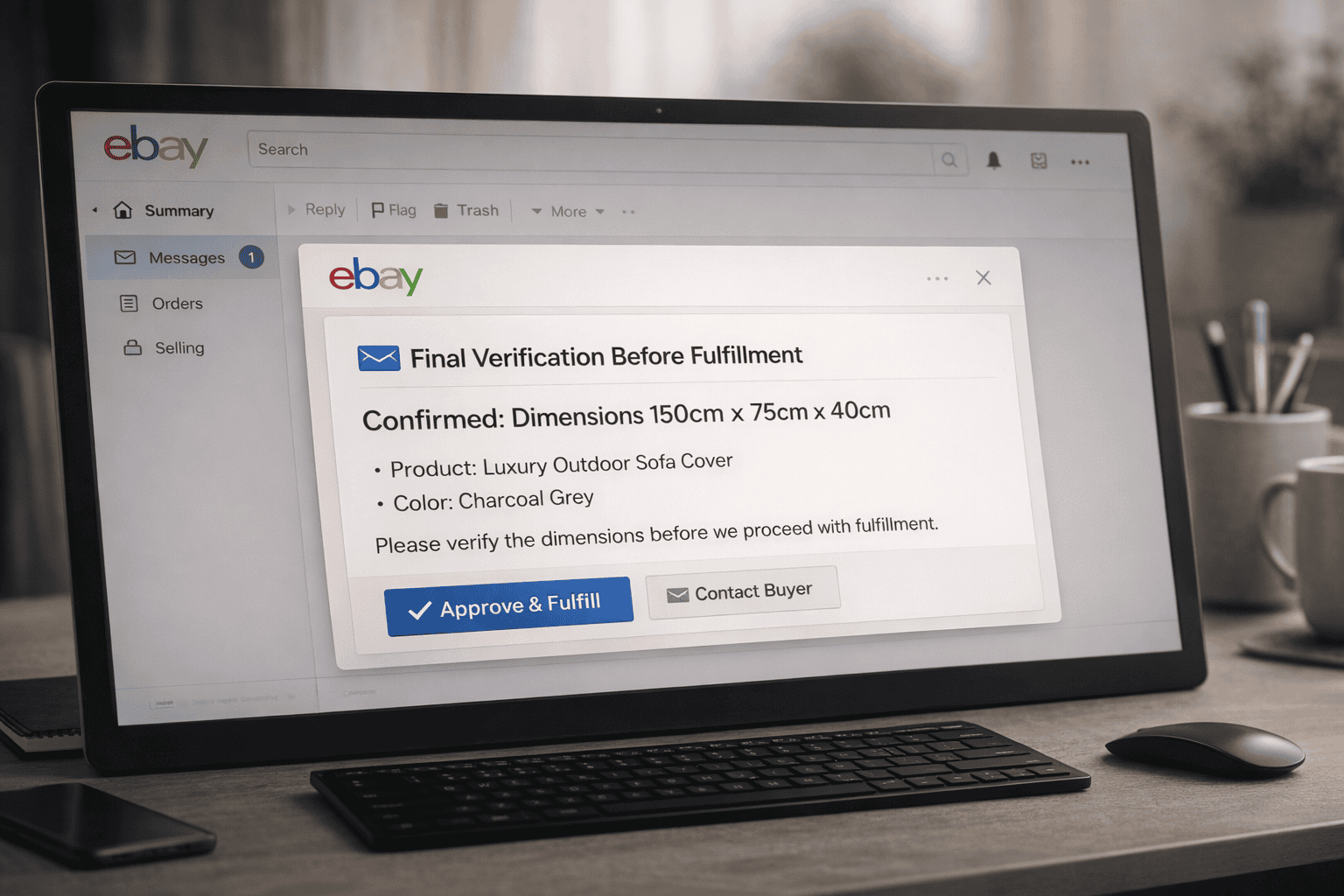
Professional sellers identify high-risk listings and send automated post-purchase confirmation messages that restate critical details. Vehicle compatibility, sizing, dimensions, left versus right orientation, and similar factors are confirmed immediately after purchase.
A simple confirmation message catches mistakes early, reduces returns, shortens processing time, and prevents feedback driven by buyer error. In a world shaped by Amazon and frictionless returns, this step is no longer optional for serious sellers.

A Note to Buyers Reading This
Behind every eBay store is a real person, a family, or a small business. Mistakes happen. Delays happen. Misunderstandings happen.
Before leaving negative feedback, communicate. Most sellers want to resolve the issue. Making it personal helps no one. Reasonable conversations fix far more problems than quick reactions ever will.
The Reality of Removing Negative Feedback on eBay in 2026
Negative feedback will never disappear entirely. The goal is not perfection. The goal is predictability.
Professional sellers do not panic when feedback appears. They understand where it matters, how to neutralize it, and how to prevent it from becoming a recurring issue. Removal is one tool. Systems are the strategy.
That is the difference between selling on eBay and operating a business on eBay.
Many feedback issues are symptoms of larger operational gaps covered in Challenges eBay Sellers Still Face in 2025 (and Smarter Ways to Solve Them).
Common Questions Sellers Ask
How long does negative feedback affect sales on eBay?
Negative feedback has the strongest impact when it is recent and visible near the top of your feedback profile. Its influence decreases significantly once it is pushed down by newer positive feedback, especially for established sellers.
Should I refund buyers just to avoid negative feedback?
Refunding can be a smart decision when the cost of a refund is lower than the long-term cost of reduced conversion and buyer trust. Professional sellers evaluate refunds as reputation investments, not emotional concessions.
Can automation really reduce negative feedback?
Yes. Consistent communication, proactive confirmations, and structured follow-ups eliminate many of the misunderstandings that lead to negative feedback. Automation ensures these safeguards stay in place even as order volume increases.
Popular articles


ALL-IN-ONE
SHOULD REALLY MEAN
ALL-IN-ONE!
Orders, Offers, Messages, Chat, SMS, Listings, Inventory, AI, Automation, Syncing, Shipping, Customization, Analytics, Bookkeeping & Accounting, Template Designer, CRM, and a lot more.